
What calculators are allowed in the Pearson Edexcel IGCSE Maths exam?
Choosing the right calculator for your Pearson Edexcel IGCSE Maths exam matters. This page explains exactly which calculators are permitted, which are banned, and which current Casio models are confirmed as allowed — based on the official Pearson Edexcel FAQ and the Casio 2026 exam reference document.
There is no official list of approved calculator model numbers for Pearson Edexcel IGCSE Maths. Pearson follows JCQ (Joint Council for Qualifications) rules, which define what a calculator must not do and Pearson confirms the same rules apply to all their GCE, GCSE, and International Mathematics examinations.
The safest choice: buy a current Casio ClassWiz CW+ model. Every calculator currently sold by Casio UK is confirmed as permitted in all UK school and IGCSE exams.
What is and is not allowed
✅ Allowed
- Scientific calculators (non-programmable)
- Graphical calculators, provided they do not have CAS or other prohibited features
- Numerical integration and differentiation answer only, no algebraic steps shown
- Statistical functions (mean, standard deviation, etc.)
- Numerical equation solvers (numerical result only)
- More than one calculator in the exam room
- Solar, battery, or dual-fuel models
🚫 Not allowed
- Symbolic algebra manipulation (CAS)
- Symbolic differentiation or integration (algebraic steps shown)
- Language translators or built-in dictionaries
- Internet connectivity, WiFi, or Bluetooth
- Retrievable stored text: databanks, formulae, notes, or any text
- Programming capability
- Communication with other devices or candidates
- Borrowing a calculator from another student during the exam
Examples of calculators that are NOT allowed
Pearson states it cannot publish a specific banned list, but the following are well-known examples that fail JCQ rules.
Casio ClassPad (e.g. CP400)
A CAS calculator performs symbolic algebra manipulation, which is explicitly banned.
TI-Nspire CAS
The CAS version is banned. The non-CAS version is allowed. Check the packaging carefully, as they look very similar.
Any smartphone or tablet
Can communicate with other devices and store information. GeoGebra on a phone or tablet is explicitly not permitted by Pearson.
Any calculator with WiFi or Bluetooth
Wireless connectivity is explicitly banned, even if the feature is never used during the exam.
Recommended Casio models (2026)
Currently sold models confirmed as permitted for Pearson Edexcel IGCSE Maths, sourced from the official Casio 2026 exam reference leaflet.
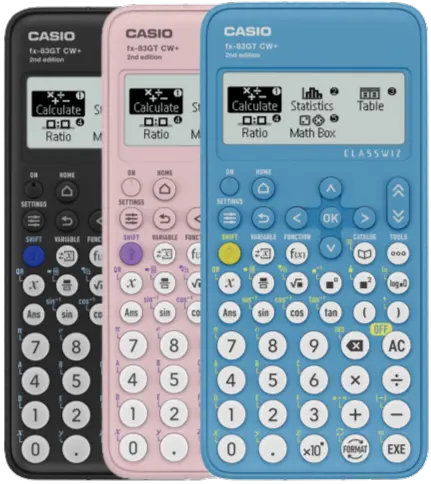
Casio fx-83GT CW+ / fx-85GT CW+
✓ Current recommendedThe current standard scientific calculator for IGCSE. The 85 adds a solar panel (dual fuel); the 83 is battery only. Permitted in UK, Irish, and IB Diploma exams.
- Natural textbook display
- Fractions, surds, trigonometry, statistics
- No CAS, no text storage, no programming
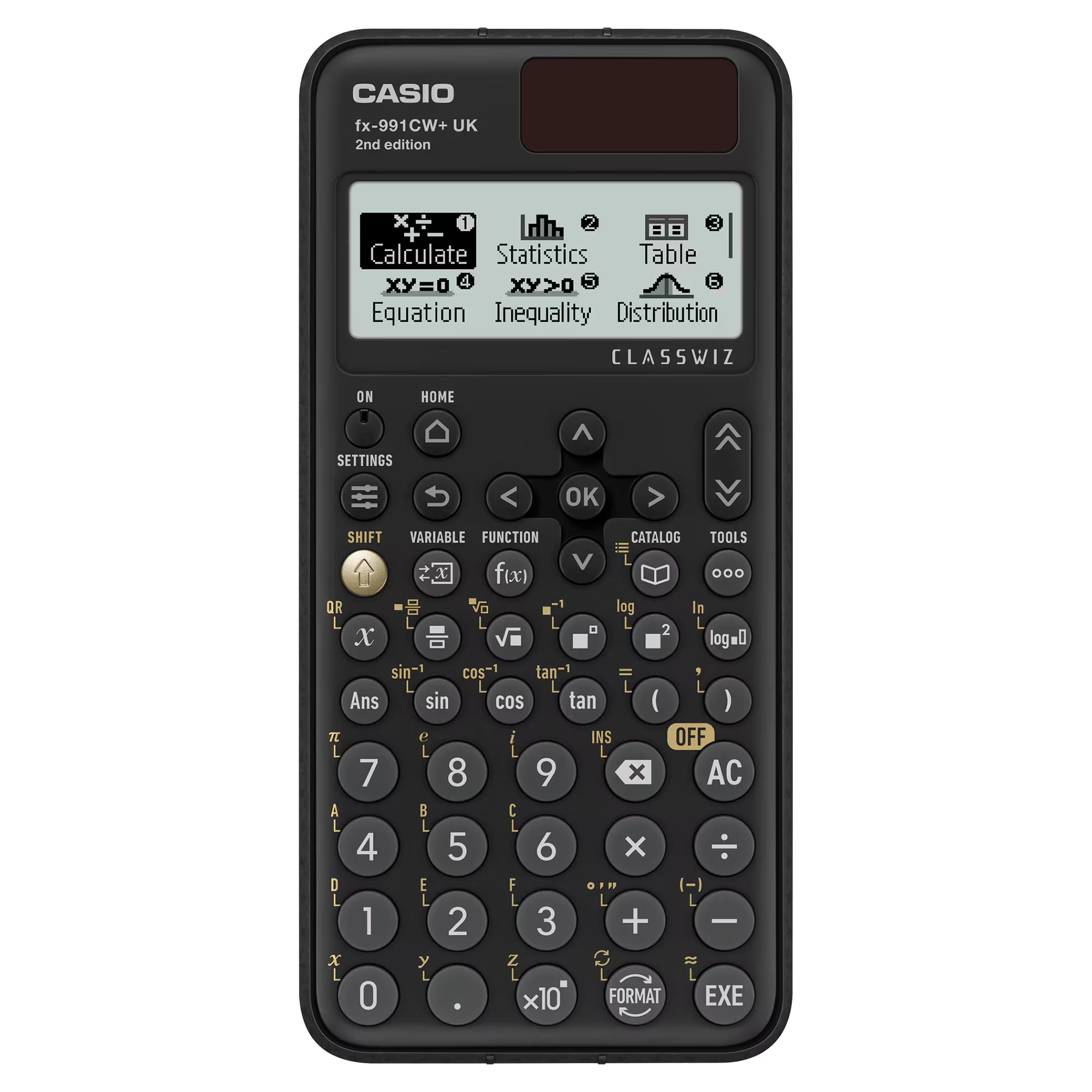
Casio fx-991CW+ UK
✓ Current advanced scientificThe advanced model. Includes everything the CW+ has, plus numerical equation solvers, great for checking answers. Also the standard A-level model.
- Numerical equation solving (linear, simultaneous, quadratic)
- Table of values function
- Permitted for UK and Pearson Edexcel IGCSE exams
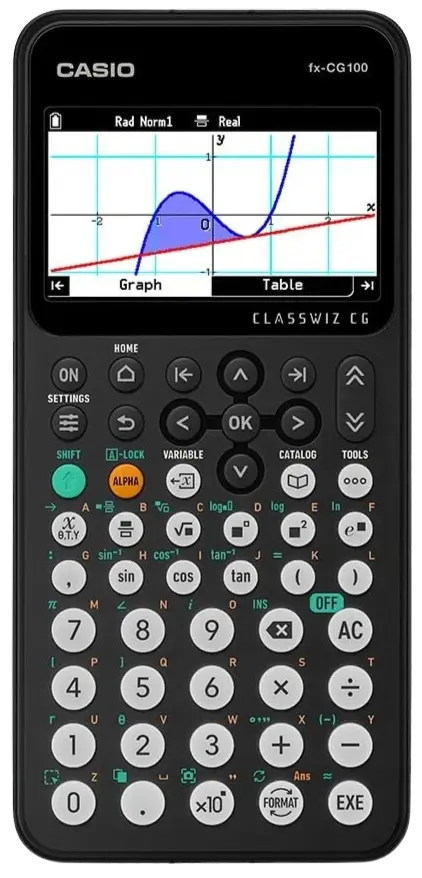
Casio fx-CG100
✓ Current graphicalThe current flagship graphical calculator. Colour display, graph plotting, all scientific functions. Permitted in UK and IB Diploma exams in Exam Mode.
- Must activate UK Exam Mode before entering the exam room
- Exam Mode lasts 12 hours, shown by flashing "R" on screen
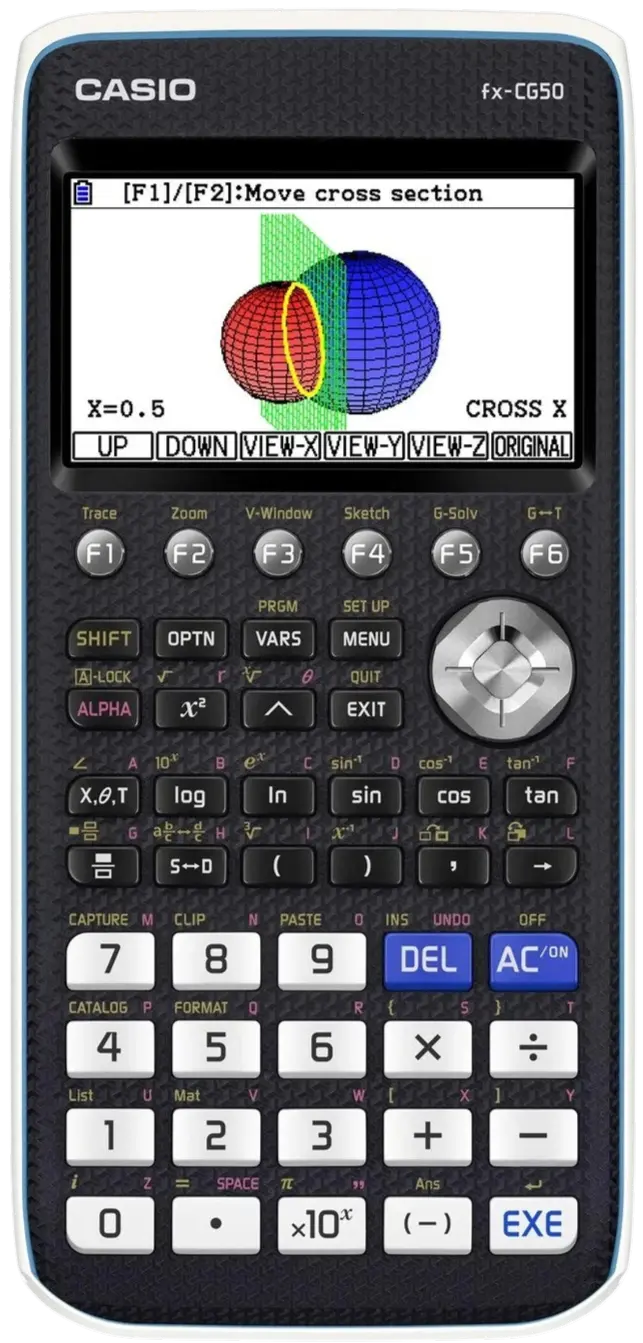
Casio fx-CG50
✓ Current graphicalAlso currently available. Similar functionality to the CG100. Permitted in UK and IB Diploma exams in Exam Mode. Shows a coloured border and flashing "R" while in Exam Mode.
Discontinued Casio models still allowed
All discontinued by Casio no longer sold new but all remain confirmed as permitted for Pearson Edexcel IGCSE Maths. No need to replace if you already own one.
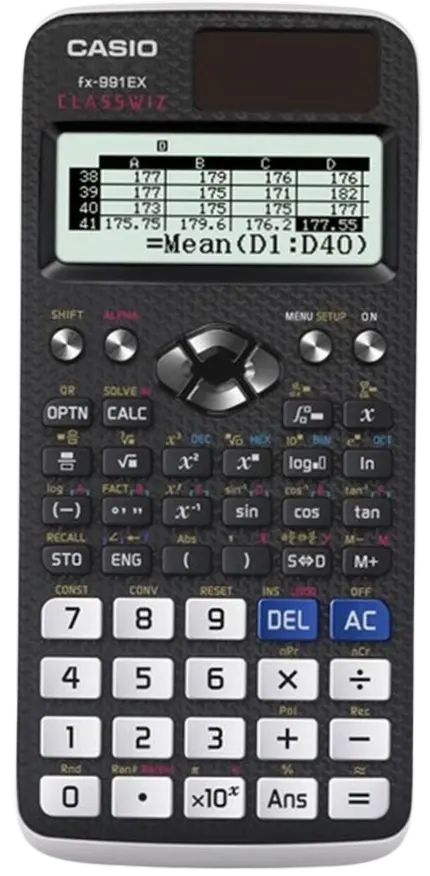
fx-991EX ClassWiz ⭐
Discontinued — still allowedA personal favourite. The fx-991EX was the go-to advanced scientific calculator for IGCSE and A-level for years, and is specifically highlighted in Pearson's own FAQ as an example of a permitted model. Confirmed permitted in all UK exams including Pearson Edexcel IGCSE.
Discontinued by Casio. Buy the fx-991CW+ UK if purchasing new.
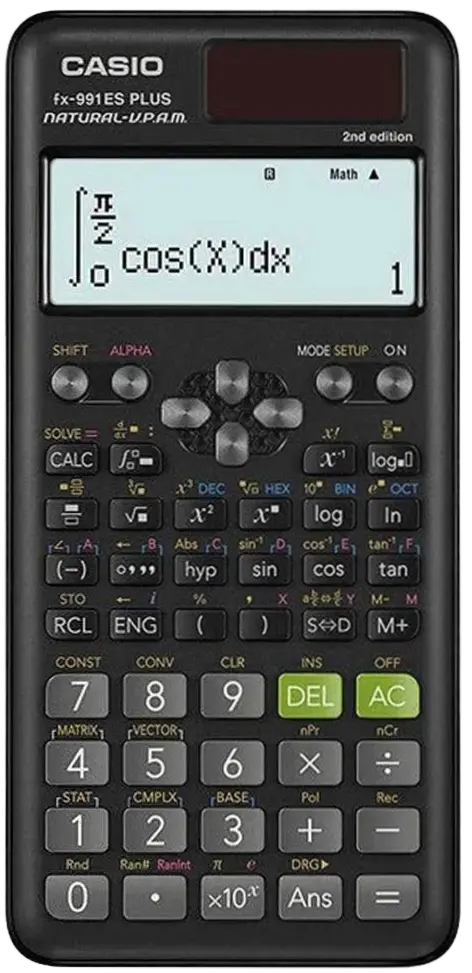
fx-991ES PLUS ⭐
Discontinued — still allowedA personal favourite and one of the most widely used scientific calculators in classrooms for over a decade. Confirmed permitted in all UK exams including Pearson Edexcel IGCSE. Not permitted in IB or Irish exams.
Discontinued by Casio. Buy the fx-991CW+ UK if purchasing new.
Other discontinued models — still allowed
Discontinued — still allowedfx-991CW
The 2023 predecessor to the fx-991CW+ UK. Permitted in all UK exams including Pearson Edexcel IGCSE.
Buy the fx-991CW+ UK if purchasing new.
fx-83GT CW / fx-85GT CW / fx-83GTX / fx-85GTX
The 2023 CW generation (no + suffix) and the older GTX generation. All permitted in UK, Irish, and IB Diploma exams.
Buy the fx-83GT CW+ or fx-85GT CW+ if purchasing new.
fx-83GT PLUS / fx-85GT PLUS
An older generation, permitted in UK, Irish, and IB Diploma exams. Fully adequate for IGCSE Maths.
Frequently asked questions
Do both papers allow a calculator?
Yes. A calculator is allowed in both papers. Foundation: Papers 1F and 2F. Higher: Papers 1H and 2H. There is no non-calculator paper in Pearson Edexcel IGCSE Maths (4MA1).
Can I bring more than one calculator?
Yes. Nothing in the rules prevents this. Students commonly bring a backup, or bring both a graphical and a scientific calculator since some calculations are more efficient on the scientific model.
Will I lose marks for using advanced calculator functions?
Not automatically. Examiners know what calculators can do. But questions that say "show that" or "prove that" require full written working — a calculator result alone will not earn those marks.
Do I need Exam Mode on a graphical calculator?
If your calculator has Exam Mode, activate it before the exam. This locks stored data and restricted functions. Check the manufacturer's website for instructions specific to your model.
What if my graphical calculator has no Exam Mode?
Pearson confirms students should be allowed to use graphical calculators without Exam Mode, provided they meet JCQ rules. You must still clear all stored data. Note: the rear reset button on some models only resets settings, not stored data — use the full reset in the calculator's menu.
Is there an official approved list of calculator models?
No. Pearson confirms there is no approved model list. The JCQ rules define what a calculator must not do. The Casio 2026 exam reference leaflet confirms which specific Casio models are permitted.
What should I do before the IGCSE Maths exam?
Activate Exam Mode (if applicable) or perform a full data reset via the menu. Check the battery. Remove the lid or case before entering the exam room. Practise trigonometry, fractions, and standard form well before exam day.
Are the calculator rules the same for Edexcel IGCSE and GCSE?
The JCQ rules are identical. The key difference for Edexcel IGCSE is that both papers allow a calculator, unlike UK GCSE Maths, which includes a non-calculator paper.
- Casio Calculators in Examinations 2026 Reference Leaflet confirms permitted models, discontinued status, and Exam Mode requirements
- Pearson Edexcel Calculators FAQ confirms JCQ rules apply to all Pearson qualifications including IGCSE; CAS test; graphical calculator guidance
- JCQ Instructions for Conducting Examinations full calculator regulations, page 19 of the document
Looking for topic help? Head back to The Maths Room for step-by-step worked examples and practice questions on every IGCSE topic.
Back to The Maths Room